
Guide · Instagram
Create an Instagram carousel, straight from your product link
A carousel doesn't just show your product, it tells something about it, one slide at a time. Here's how a good product carousel is built, which size you need, and how Marqain turns your product page into three ready-made carousels in a few minutes.
What is an Instagram carousel?
A carousel is a single post with several images or videos that people swipe through. Instagram allows up to 20 slides per post. Because people move through the slides, the format is great for explaining something: how a product works, who it's for, or what makes it different.
That makes it ideal for online shops. Instead of one product photo, you can tell a short story, show a problem and its solution, or share tips in which your product plays a part.
How a good product carousel is built
For a product, 6 to 8 slides are usually enough. A structure that works:
- Slide 1, the hook: a clear statement or question that makes people curious. It decides whether they keep swiping.
- Slides 2 to 3, the situation: the problem, the occasion or the story it's about.
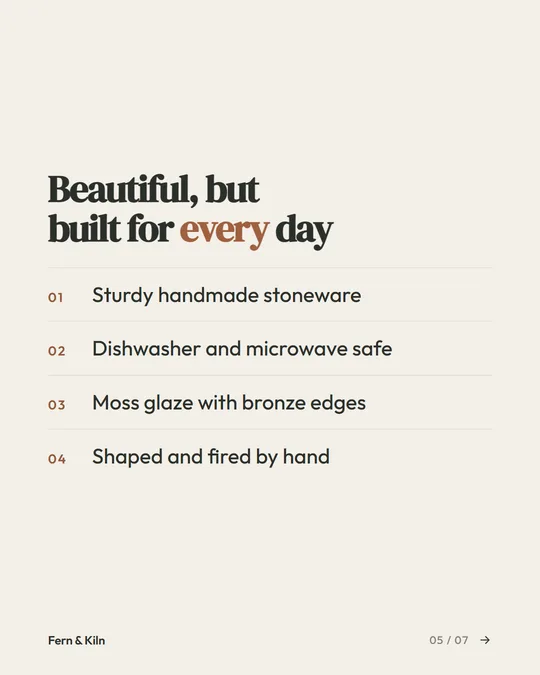
- The middle, the product: what it does, what it's made of, how to use it. One point per slide.
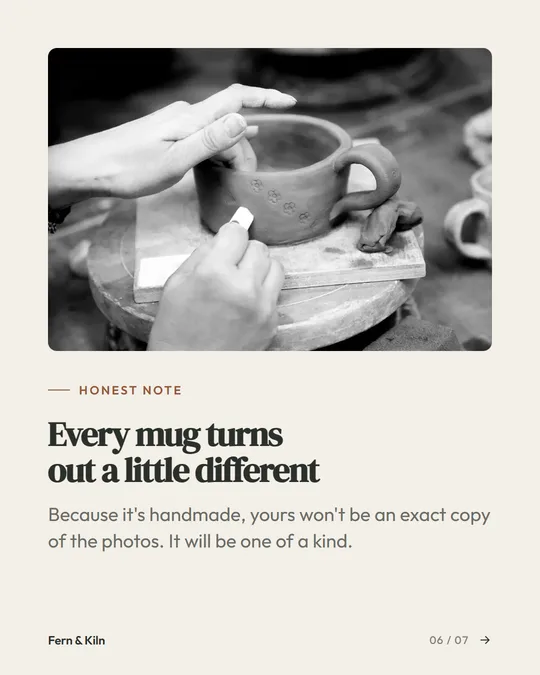
- Proof, if you have it: real details from your product description, never made-up numbers or reviews.
- The last slide, the next step: for example “Link in bio” or “Shop now”.
A finished carousel, slide by slide
 Slide 1
 Slide 2
 Slide 3
 Slide 4
 Slide 5
 Slide 6
 Slide 7
The right size
For Instagram, the 4:5 portrait format at 1080 × 1350 pixels is the usual choice: it takes up a lot of space in the feed. All slides in a carousel should use the same format.
If you want to post the same content on TikTok or LinkedIn, you need other sizes: 9:16 (1080 × 1920) for TikTok, square 1:1 (1080 × 1080) for LinkedIn, where carousels are usually uploaded as a PDF. Marqain exports all three, and a PDF for LinkedIn.
Three steps with Marqain
- Paste your product link. Marqain reads the description, photos, colors and fonts of your product page.
- Review three concepts. You get three carousels with 6 to 8 slides each, a caption and hashtags, each with a different angle, such as a story, a problem and its solution, or a list of tips.
- Edit and download. Change the copy, swap images, pick the format and download the slides as PNG.
Common mistakes to avoid
- Too much text per slide. One point per slide reads better than a paragraph.
- No hook. If the first slide only shows the product photo, there's no reason to keep swiping.
- Changing design. The same colors and fonts on every slide look calmer and more professional.
- Made-up promises. Superlatives or numbers without proof hurt trust and can get you into legal trouble.
- No ending. Tell people what to do next.
Frequently asked questions
How many slides should an Instagram carousel have?
Instagram allows up to 20. For a product, 6 to 8 are usually enough: room for a hook, content and an ending, short enough that people swipe to the end. Marqain creates carousels with 6 to 8 slides.
What size is an Instagram carousel?
Ideally 1080 × 1350 pixels in 4:5 portrait. Square (1080 × 1080) works too, but takes up less space in the feed.
Can I use my own product photos?
Yes. Marqain uses the photos from your product page first. In the editor you can replace any image with your own upload. Matching stock photos from Pixabay are only added if they pass a check.
What does it cost?
Your first campaign with three carousels is free, and you see it finished before you pay. To download, you need a plan: €11.99 a month or €99 a year, including 15 campaigns per month.
Try it with your product.
Paste a product link and see three ready-made carousels in a few minutes.