
Guide · Canva
How to make an Instagram carousel in Canva, step by step
For many people, Canva is the first way to build a carousel: templates, fonts and images are ready to go, and the basic version is free. This guide shows how to build a product carousel in Canva, what to watch for with size and download, and when a tool that also writes the content saves you time.
Before you start: content and size
The design is quick; the content takes most of the time. Decide first what each slide should say: one point per slide, a hook at the start, a clear next step at the end. For a product, 6 to 8 slides are usually enough.
The usual size for Instagram is portrait 4:5 at 1080 × 1350 pixels. All slides of a carousel should share the same size.
Step by step in Canva
- Create the design: search Canva for an Instagram carousel template, or use “Custom size” to create a 1080 × 1350 pixel design. You can also describe what you need to Canva AI and pick one of its suggestions.
- One page per slide: in Canva, each slide is a page in the same design. Add as many pages as your carousel has slides.
- Add your images: drag your product photos onto the template's image placeholders. Double-click to adjust the crop.
- Write the text: replace the sample text with your own. Keep it short so it stays readable on a phone.
- Keep it consistent: pick one font and apply it to every page. Use your brand colors, most easily through a Brand Kit (in Canva Pro).
- Check the order: grid view shows all slides side by side, and you can drag them around.
- Download: under “Share” and “Download”, choose PNG and all pages. With several pages you get a ZIP file with one image per slide.
- Post: in Instagram, select several images for a new post, in the order of your slides.
A finished carousel, slide by slide
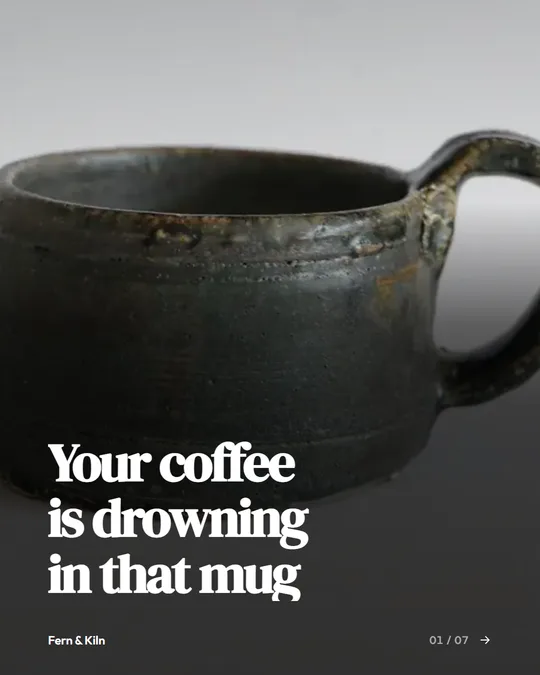 Slide 1
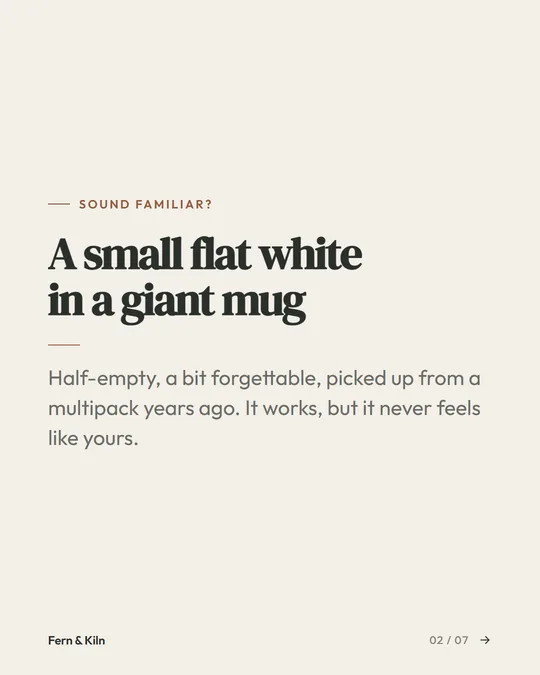 Slide 2
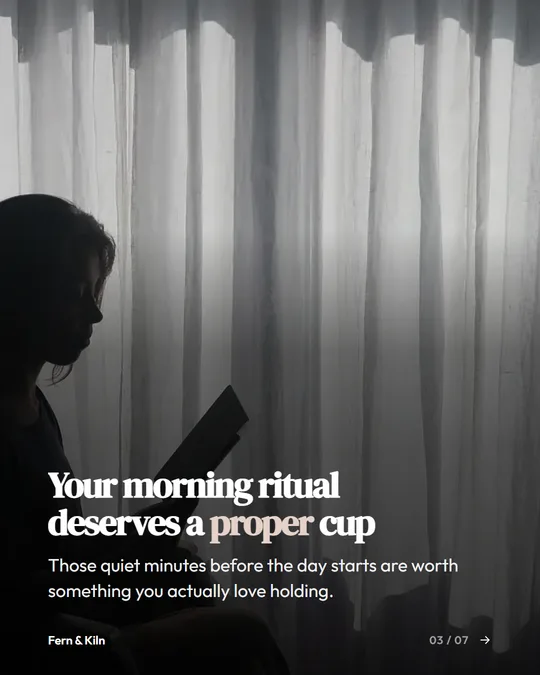 Slide 3
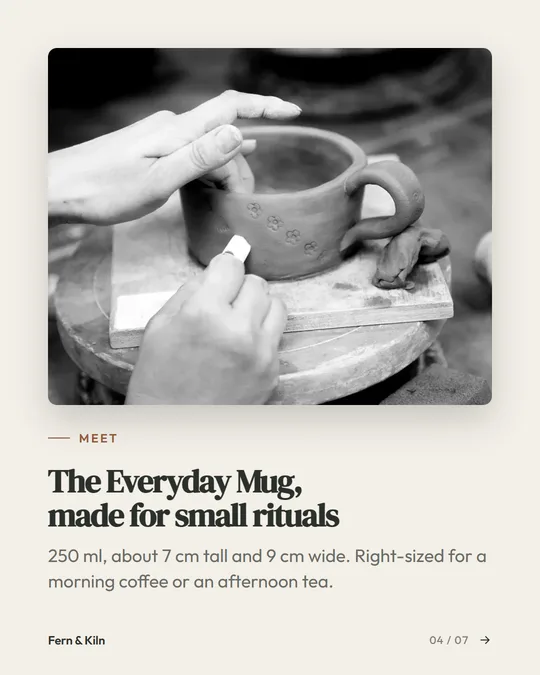 Slide 4
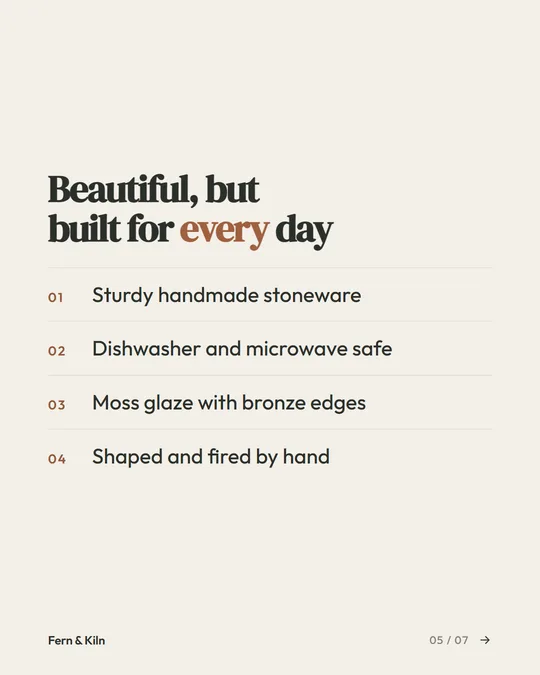 Slide 5
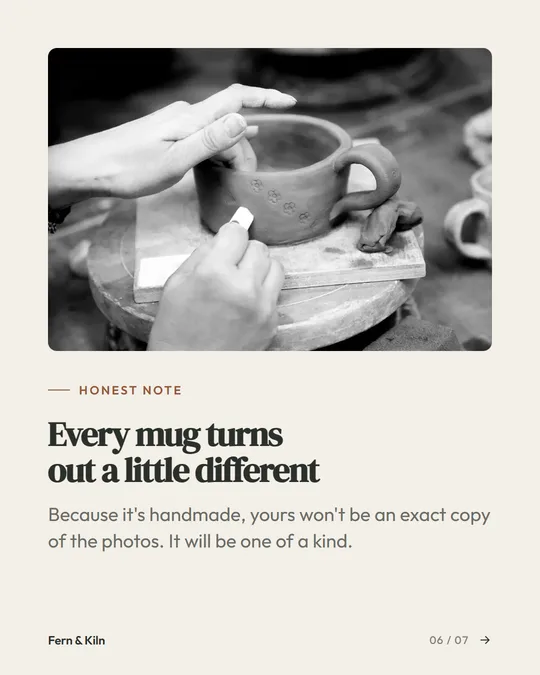 Slide 6
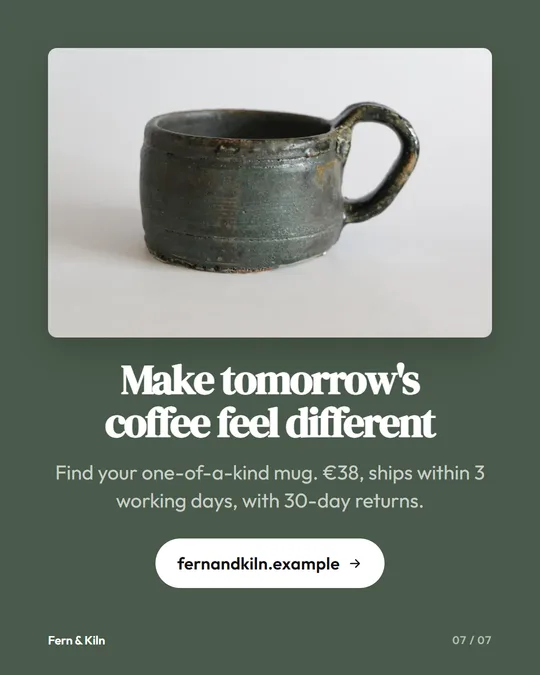 Slide 7
Where Canva takes time
Canva is a design tool for almost everything, from flyers to presentations. The content of a carousel is still up to you: which point goes on which slide, which benefits of your product matter, plus the caption and hashtags. Templates are the same for everyone, and every new product starts from scratch.
Canva AI gives you a draft, but you still have to bring in the details of your product. If you post regularly for several products, most of your time goes into the copy, not the design.
Faster with Marqain: from product link to carousel
Marqain starts with the content. Instead of an empty template, you begin with the link to your product:
- Paste your product link. Marqain reads the description, photos, colors and fonts of your product page.
- Look at three concepts. You get three carousels with 6 to 8 slides each, a caption and hashtags, each with a different angle.
- Adjust and download. Change text and images in the editor and download the slides as PNGs for Instagram, TikTok or LinkedIn.
Marqain doesn't invent numbers, reviews or promises, and an ad check points out risky claims.
Canva and Marqain aren't either-or. Many people keep Canva for flyers, stories or presentations and use Marqain for product carousels. You can reuse the downloaded slides in Canva as images.
Frequently asked questions
Is Canva free?
Canva's basic version is free, with limited AI features. Canva Pro adds the Brand Kit and more templates and elements; check canva.com for the current price in your country.
What size should I choose in Canva for an Instagram carousel?
1080 × 1350 pixels, portrait 4:5. Square at 1080 × 1080 pixels also works but takes up less space in the feed.
How do I download a carousel from Canva?
Under “Share” and “Download”: choose PNG as the file type and all pages. Canva bundles several pages into a ZIP file with one image per slide.
What's the difference between Canva and Marqain?
Canva is a general design tool where you create the content and structure yourself. Marqain creates three finished carousels with copy, caption and hashtags from the link to your product, which you then edit.
How much does Marqain cost?
Your first campaign with three carousels is free, and you see it finished before you pay. Downloading needs a subscription: €11.99 a month or €99 a year, including 15 campaigns a month.
Try it with your product.
Paste a product link and see three ready-made carousels in a few minutes.