
Guide · LinkedIn
Create a LinkedIn carousel: the post as a PDF
On LinkedIn, a carousel looks like one on Instagram but works differently: you upload a PDF, and every page becomes a slide. For stores selling to businesses, manufacturers and brands with expertise to share, it's a strong format.
How carousels work on LinkedIn
LinkedIn shows uploaded PDF documents as slides you can page through right in the feed. People swipe or click from page to page, just like a carousel. That's why this format is often called a “PDF carousel” or “document post”.
Every page of the PDF is a slide. That also means everything you'd normally put on slides belongs in the PDF, not in the post text.
Format and structure
- Square pages (1080 × 1080 pixels) work well, portrait too. All pages should be the same size.
- Large, readable type: many people read LinkedIn on their phone.
- One point per page, just like in an Instagram carousel.
- The first page is the cover and decides whether people keep going.
- End with a clear next step, such as the link to the product in the post text.
A finished carousel, slide by slide
 Slide 1
 Slide 2
 Slide 3
 Slide 4
 Slide 5
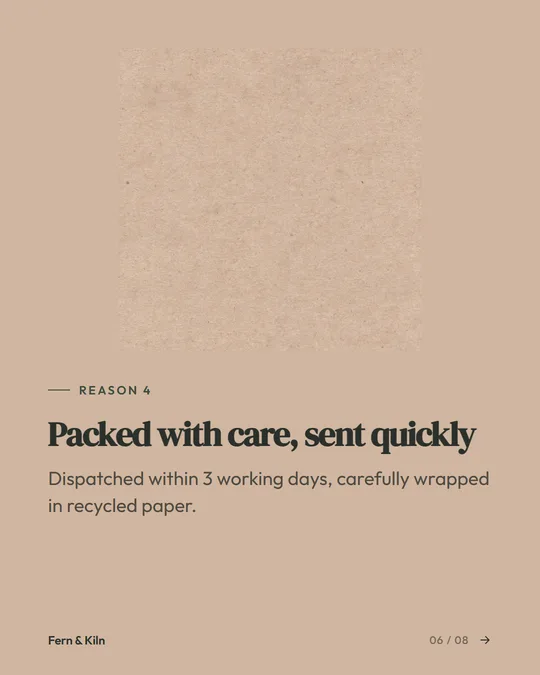 Slide 6
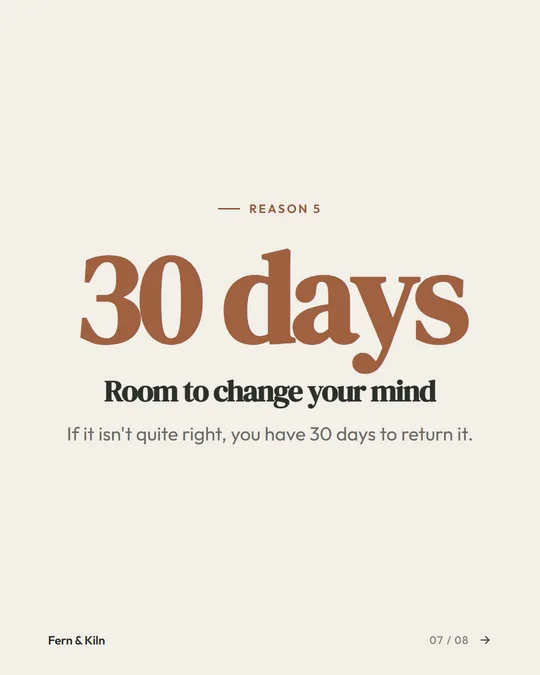 Slide 7
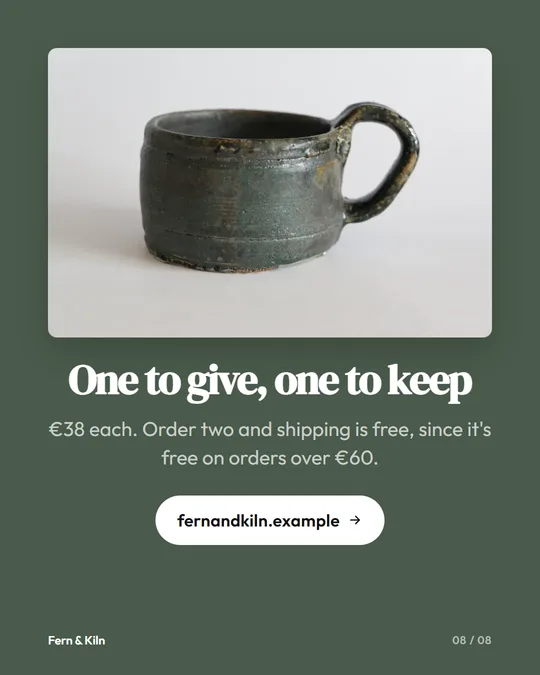 Slide 8
How to upload the PDF
- Start a new post and choose the option to add a document.
- Upload your PDF.
- Give the document a title. It's shown above the slides.
- Write the post text and publish.
LinkedIn renames its buttons now and then. The principle stays the same: add a document, choose the PDF, give it a title.
One product, two platforms
You don't have to design LinkedIn carousels from scratch. Marqain creates three carousels from your product link and exports them for LinkedIn in square format, also as a ready-made PDF. You can download the same concept for Instagram in portrait.
On LinkedIn, a more factual angle often works better, such as a how-to, myths and facts, or a look behind the scenes. Add that as a note when creating the campaign, for example “for buyers in specialist retail”.
Frequently asked questions
Are there still carousel posts on LinkedIn?
Yes, as document posts: you upload a PDF, and LinkedIn shows its pages as slides to page through.
What format should a LinkedIn carousel have?
Square at 1080 × 1080 pixels, or portrait. What matters is that all pages are the same size and the type stays readable on a phone.
Can Marqain create the PDF directly?
Yes. When you download in LinkedIn format, you also get the slides as a PDF, ready to upload.
Try it with your product.
Paste a product link and see three ready-made carousels in a few minutes.