
Guide · Ideas
Instagram post ideas for online stores
The product photo is posted, and then what? Most stores have more to tell than they think. Here are 20 ideas, sorted by theme, plus a simple posting plan. Each idea works especially well as a carousel, because you can tell it one slide at a time. And if your store runs on Shopify or WooCommerce, you pick the product straight from the list.
Around the product
- Close-up details: material, craftsmanship, what the shop photo doesn't show
- How to use it: a guide in a few steps
- Three ways to use it that people don't think of right away
- Before and after: what changes with your product
- Sizes, colors or variants side by side
Behind the scenes
- How a product is made, from raw material to shipping
- Who's behind the store and why it exists
- A look into the warehouse, the workshop or the packing table
- How you choose or develop a new product
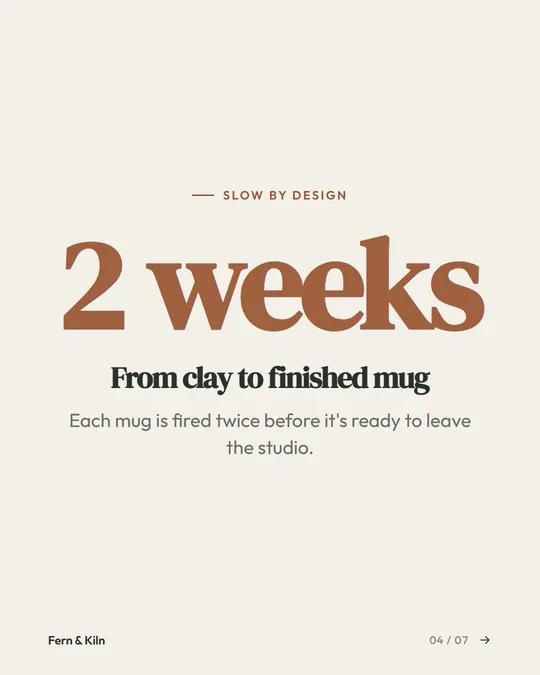
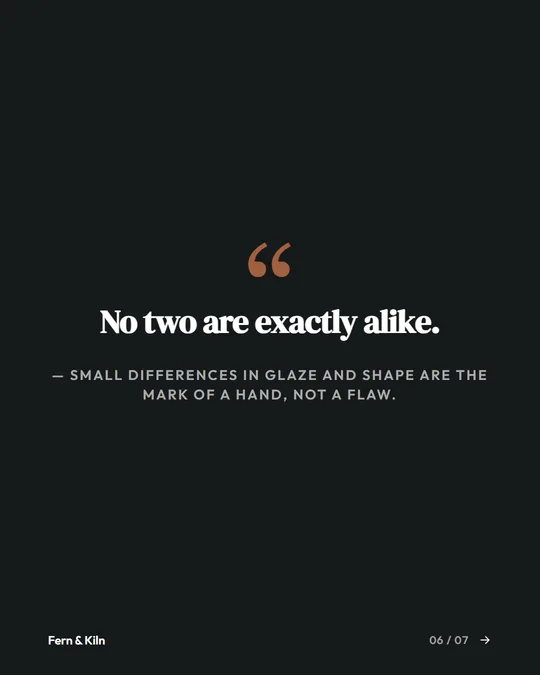
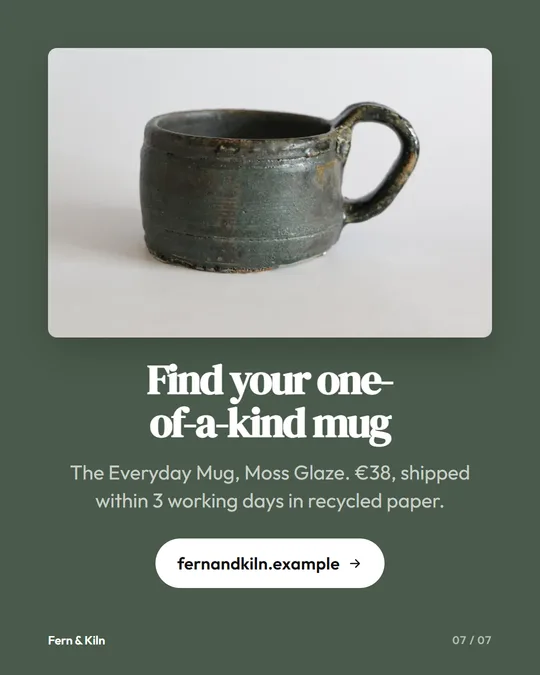
A finished carousel, slide by slide
 Slide 1
 Slide 2
 Slide 3
 Slide 4
 Slide 5
 Slide 6
 Slide 7
Knowledge that helps
- Myths and facts from your industry
- A list of tips, for example on care or storage
- Questions customers often ask, with short answers
- How to spot good quality in your product category
Occasions and promotions
- A gift idea for a specific occasion or person
- Seasonal use, for example in winter, on vacation or for back to school
- New in the store: what it is and who it's for
- A promotion with a clear time frame, such as a sale until Sunday (in the EU with the lowest price of the last 30 days)
- A problem many people know, and how your product helps
- Real customer voices, if you have them and may share them
- A look back: the most popular product of the month and why
A simple posting plan
- Put one product in the spotlight each week and spread several angles on it over the week.
- Alternate new arrivals, bestsellers and seasonal items.
- Plan promotions and occasions ahead, not the day before.
- Use the same idea in the right format for TikTok or LinkedIn as well.
Consistency matters more than frequency: a rhythm you can keep up beats a week full of posts followed by a long break.
From idea to carousel
Many of these ideas are exactly the angles Marqain builds concepts from: a story with a turning point, a problem and its solution, a list of tips, myths and facts, before and after, a how-to, product details or a look behind the scenes. For each product, Marqain picks three angles and writes the slides, a caption and hashtags.
You can also set a direction yourself, for example “gift idea for Mother's Day” as a note when creating the campaign. Promotions such as “Autumn sale −20% until Sunday” are worked into the copy. The posting plan puts the three concepts in your calendar, one every three days.
Straight from your Shopify store
Paste the address of your store or a collection. If the store runs on Shopify or WooCommerce, Marqain shows you its products as a list with image and name. You pick the product, and the campaign starts. You can of course also paste the link to a product page directly, from any store, for example Shopware or your own website.
There's nothing to install, and you don't give access to your store account. Marqain only uses what your store already shows publicly:
- Product name, description and details as the basis for the copy
- Your product photos, which are used first. Cut-out photos are staged to fit instead of being cropped.
- Colors, fonts and logo, saved as a brand kit so every later campaign looks the same
Frequently asked questions
How often should an online store post on Instagram?
Consistency matters more than frequency. A steady rhythm you can keep up beats a week full of posts followed by a long break.
Can I post customer reviews?
Only real ones, and ideally with the person's consent if their name or photo is shown. Made-up reviews are not allowed. That's why Marqain never uses customer quotes that aren't on your page.
Is Marqain a Shopify app?
No. Marqain is a web app you use in your browser. There's nothing to install, and Marqain doesn't need access to your Shopify account.
Does Marqain post to Instagram automatically?
No. You download the finished slides and caption and publish them from your own Instagram account, so you stay in full control.
What if my store has a lot of products?
The list is searchable. You can also simply paste the link to a collection or straight to a product.
How many ideas do I get per product with Marqain?
Every campaign contains three finished carousels with different angles. Extra concepts give you more angles for the same product, 15 per month on the plan.
Try it with your product.
Paste a product link and see three ready-made carousels in a few minutes.