
Guide · Template
Instagram carousel template: 7 slides for your product
A good template saves you from wondering what goes on which slide. Here's a proven seven-slide structure, three variations for different products, and examples of what the result looks like. Copy the structure into your design tool, or let Marqain fill it straight from your product page.
The template, slide by slide
- Slide 1, the hook: a question or statement that makes people curious. For example: “Your coffee is drowning in that mug.”
- Slide 2, the situation: the problem, the occasion or the moment your product is needed.
- Slide 3, the product: what it is and who it's for. One good photo, one short sentence.
- Slide 4, the main benefit: what changes for the person, not just what the product does.
- Slide 5, a specific detail: material, origin, use or ingredients, as precise as on your product page.
- Slide 6, trust: real facts such as returns, shipping or how the product is made. No invented reviews or numbers.
- Slide 7, the next step: “link in bio”, “shop now” or a question for your community.
Seven slides aren't a must. For a product, 6 to 8 usually work: enough for a small story, short enough that people swipe to the end.
Three variations for different products
The same structure can tell different stories. These three variations fit most products:
- Problem and solution: slides 1 and 2 show an annoyance your customers know, and from slide 3 your product solves it. Good for products that make something better.
- How-to: after the hook come the steps of using it, one per slide. Good for products where using them well matters, such as care products or accessories.
- Behind the scenes: instead of a problem, you tell how the product is made, from the workshop to the packaging. Good for handmade products and small brands, see the ceramics examples.
A finished carousel, slide by slide
 Slide 1
 Slide 2
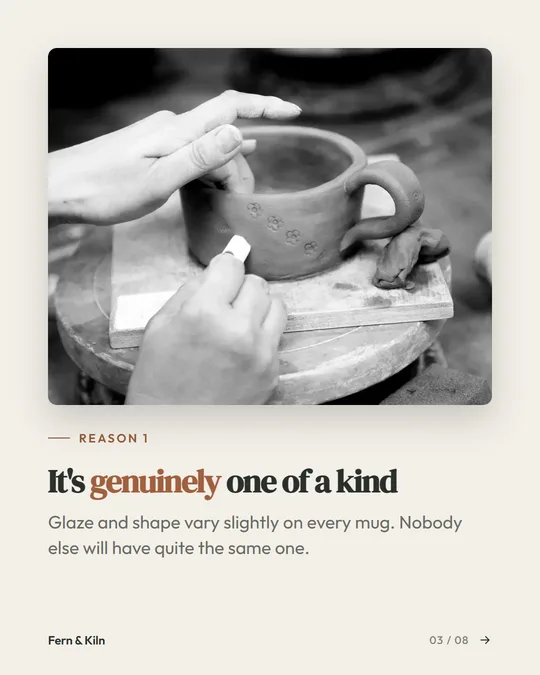 Slide 3
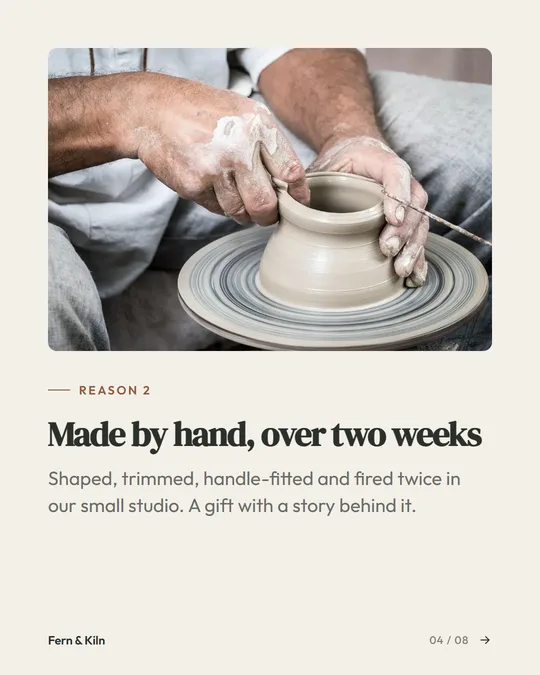 Slide 4
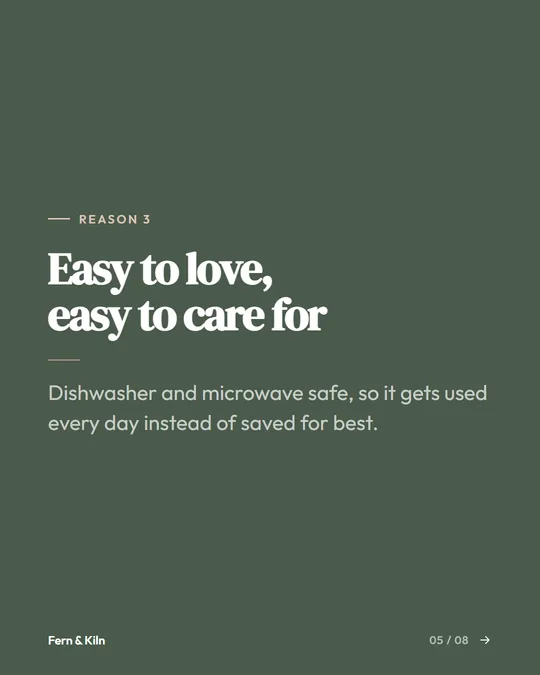 Slide 5
 Slide 6
 Slide 7
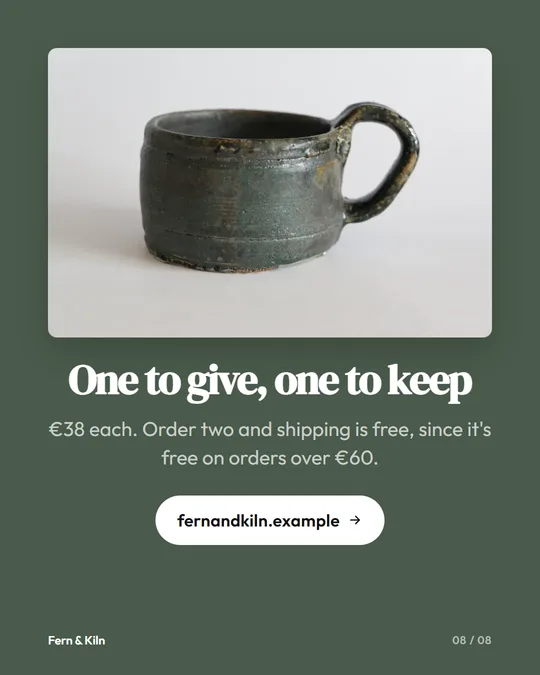 Slide 8
Size and design
- Size: portrait 4:5 at 1080 × 1350 pixels, all slides the same size.
- One point per slide, in short sentences that are easy to read on a phone.
- The same colors and fonts on every slide, ideally your brand's.
- Your real product photos first, stock photos only where they truly fit.
- Some space from the edges, so nothing gets cut off in the profile grid.
The caption for the template
The caption adds to the carousel instead of repeating it: a hook in the first line, a few sentences on the benefit, a clear next step. Our guide to Instagram captions and hashtags shows how, tags included.
Fill the template automatically
Instead of filling the template again for every product, Marqain can do it from your product page:
- Paste the link to your product page.
- Marqain creates three carousels in different variations, with copy based on the facts on your page, your photos, colors and fonts.
- You adjust text and images in the editor and download the slides as PNGs for Instagram, TikTok or LinkedIn.
The example gallery shows what the results look like for four demo shops.
Frequently asked questions
How many slides should an Instagram carousel have?
Instagram allows up to 20 slides. For a product, 6 to 8 usually work: enough for a hook, content and a close, short enough that people swipe to the end.
Can I use the template in Canva?
Yes. The structure works in any design tool: create a 1080 × 1350 pixel design, one page per slide, and fill the pages following the template.
Which variation fits my product?
If your product solves a specific problem, use problem and solution. If using it well matters, use the how-to. If it's handmade or has a special origin, show what happens behind the scenes. Marqain creates all three, and you choose.
How much does Marqain cost?
Your first campaign with three carousels is free, and you see it finished before you pay. Downloading needs a subscription: €11.99 a month or €99 a year, including 15 campaigns a month.
Try it with your product.
Paste a product link and see three ready-made carousels in a few minutes.