
Free tool · Image size
Resize and crop images for Instagram, TikTok and LinkedIn
Pick a photo and a format, then move the crop. You download the image in exactly the right size, such as 1080 × 1350 pixels for Instagram. Free, no sign-up, and your image never leaves your browser.
Your image is not uploaded. Cropping and saving happen in your browser.
Which size for which post
- Instagram feed and carousels: 4:5 portrait at 1080 × 1350 pixels, the most common choice
- Instagram 3:4: 1080 × 1440 pixels, exactly the shape of the profile grid
- Square 1:1: 1080 × 1080 pixels for Instagram and LinkedIn
- Stories, Reels and TikTok: 9:16 vertical at 1080 × 1920 pixels
- Landscape 1.91:1: 1200 × 628 pixels, a good fit for link preview images on LinkedIn and Facebook
More on formats, margins and file types in the Instagram carousel size guide.
The profile grid: why edges get cut off
Since 2025, Instagram shows posts on your profile as 3:4 portraits. A 4:5 image loses a thin strip on the left and right there, while the feed still shows all of it. Choose 4:5 in the tool and you'll see those strips marked.
So keep logos, prices and key words away from the edges. If you want no cropping in the grid at all, use 3:4.
Any product
Works for
your shop.
Three shops, three styles, written in German. Click through the slides.
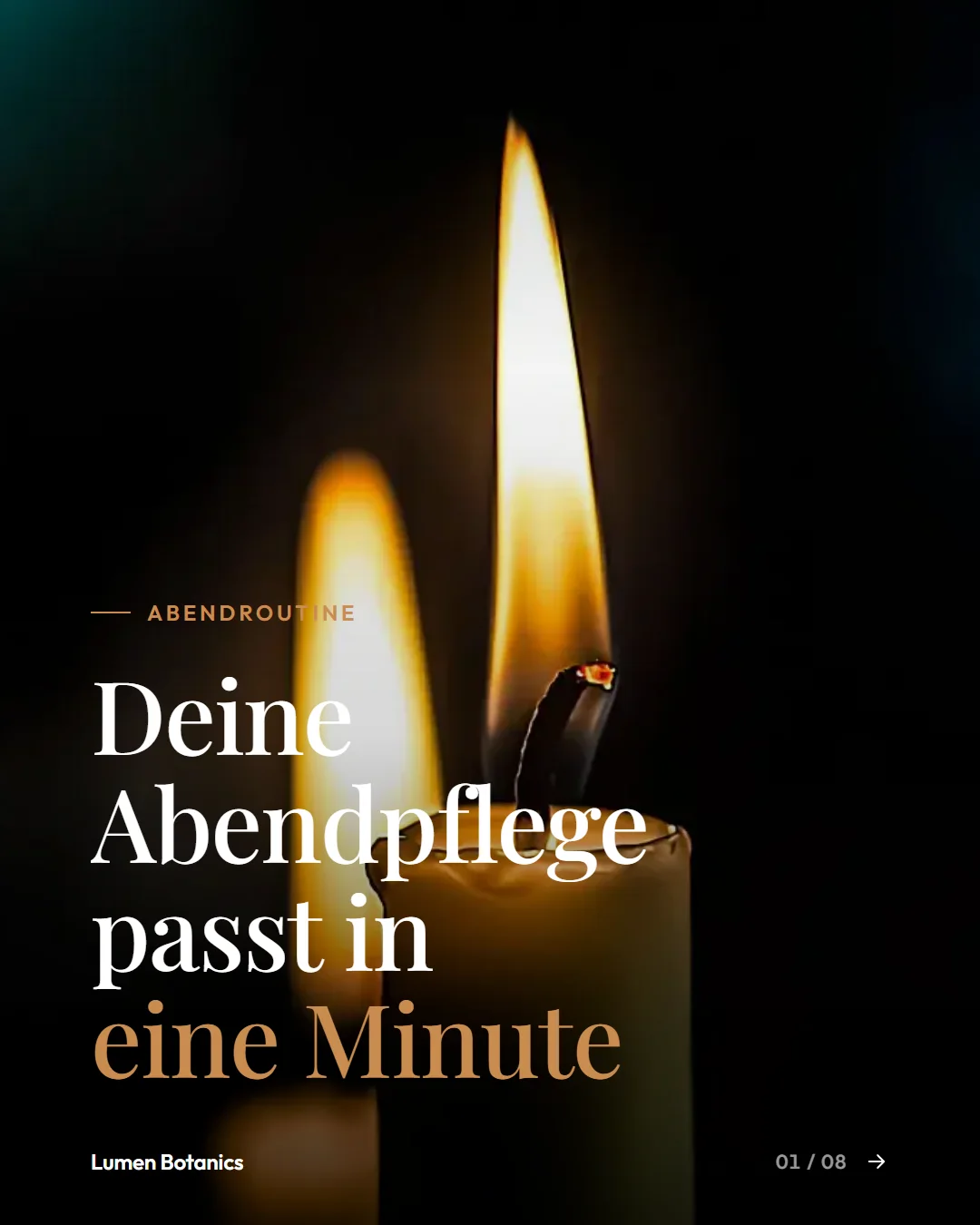
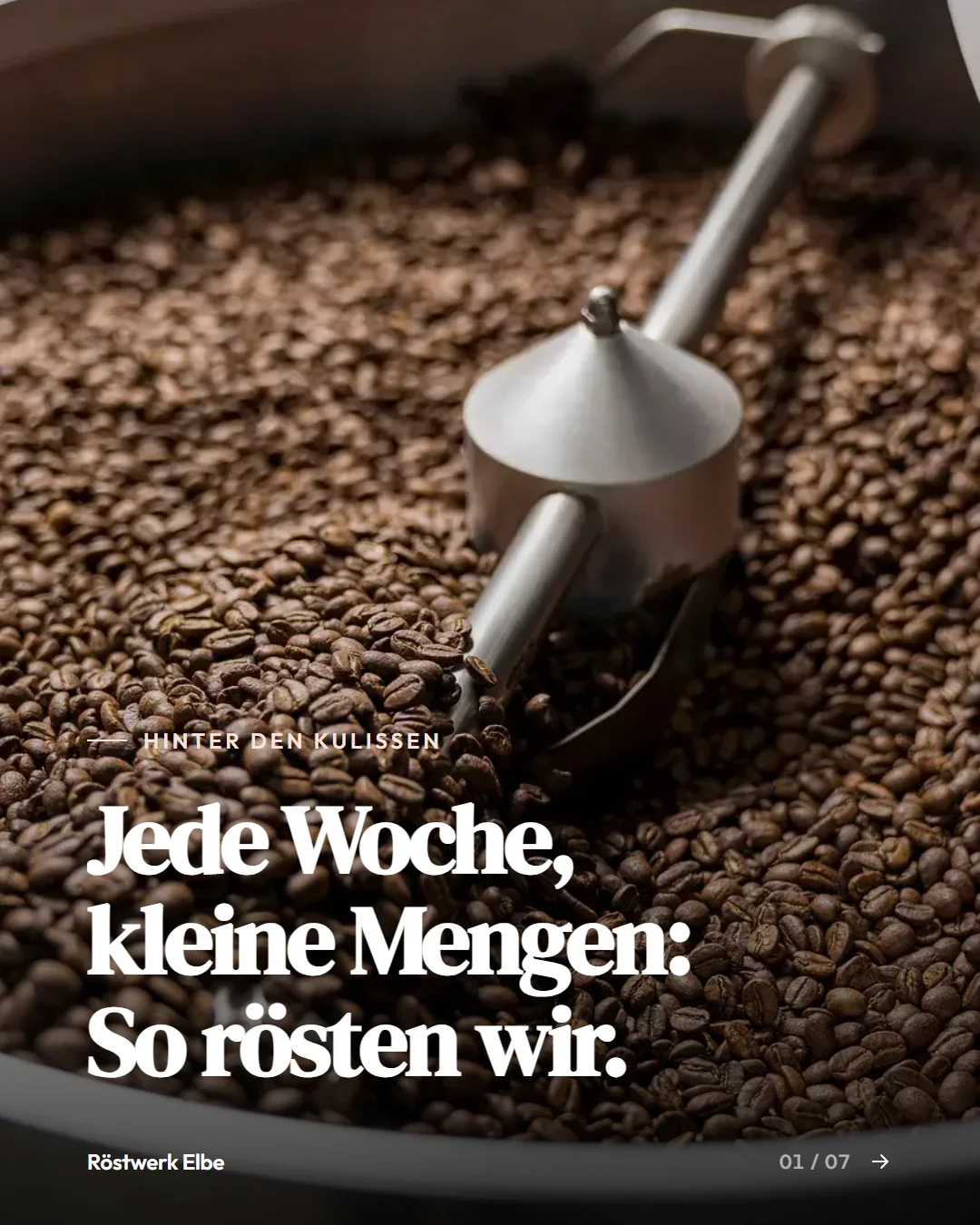
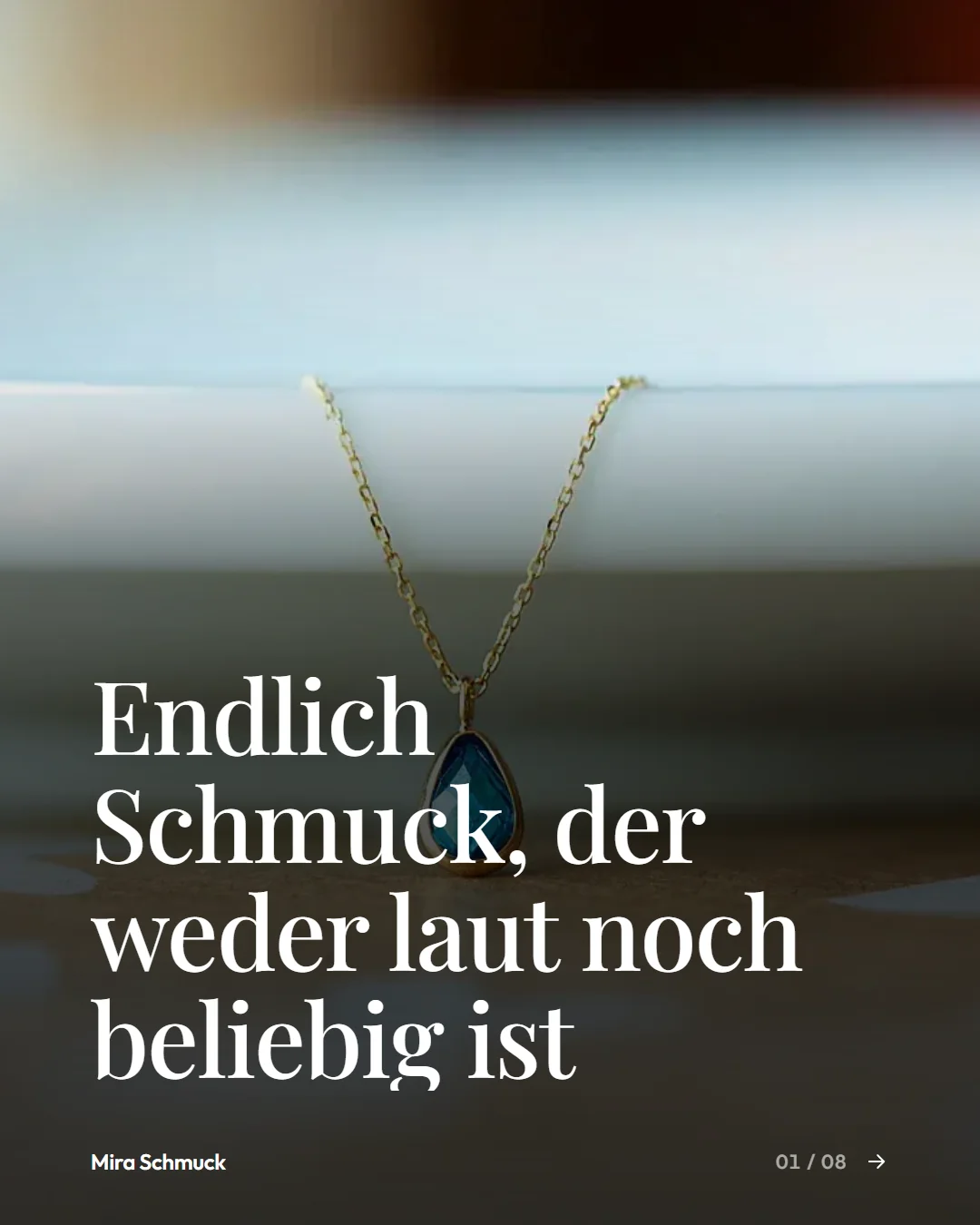
Fictional demo shops · real Marqain campaigns · photos from Pixabay
See all examples with captionsFill or whole image?
- Fill: the image covers the whole frame, and whatever sticks out is cropped. Good for photos with a scene around the product.
- Whole image: the full photo stays visible and the free space gets a background color. Good for product shots on white that shouldn't be cropped.
Keeping it sharp
- Use the largest original you have. The tool warns you when an image has to be enlarged.
- JPG for photos, PNG for images with lots of text or graphics.
- Crop every image in a carousel to the same format, or Instagram will crop them itself.
Whole campaigns instead of single images
This tool crops one image. Marqain goes further: your product link becomes three ready-made campaigns with slides, copy and hashtags, in your brand's colors and fonts, for Instagram, TikTok and LinkedIn.
Marqain fits your product photos into each format for you. Cut-out product shots and packshots are never cropped; they sit on their own background.
Frequently asked questions
Is my image uploaded?
No. Cropping and saving happen entirely in your browser. We don't see your image and don't store it.
What size is an Instagram post?
For the feed, 1080 × 1350 pixels in 4:5 portrait works best. Square at 1080 × 1080 pixels works too, but takes up less space in the feed.
Why does my image look blurry?
Usually the original is smaller than the target size and gets enlarged. The tool shows a note when that happens. Use a larger original if you can.
Can I use iPhone photos in HEIC format?
That depends on your browser. Safari usually opens HEIC, other browsers often don't. In that case, save the photo as JPG first.
What does the tool cost?
Nothing, and you don't need an account. If you want whole campaigns for your products: your first Marqain campaign is free, and downloading needs a plan at €11.99 a month or €99 a year.
Try it with your product.
Paste a product link and see three ready-made carousels in a few minutes.